
Introduction: The Problem This Solves
Identity drift is one of the most overlooked risks in modern communication.
It rarely happens all at once. Most creators, founders, consultants, and teams do not wake up one day with a completely broken brand narrative. Instead, the drift happens gradually. A post sounds slightly different from your usual point of view. A draft uses language that feels generic. A document frames your work in a way that weakens your core positioning. An AI-generated output introduces a tone that is technically polished but not truly yours.
At first, these inconsistencies seem harmless. One post will not destroy a brand. One awkward draft will not confuse an audience. One misaligned internal note will not collapse a strategy.
But over time, small inconsistencies compound.
Your audience starts seeing mixed signals. Your positioning becomes harder to explain. Your themes weaken. Your content becomes more reactive. Your original narrative loses force. The problem is especially common when communication happens across many platforms: LinkedIn, X, Discord, Google Docs, workspace notes, blog drafts, dashboards, and AI-generated outputs.
The more content you produce, the more likely your identity becomes fragmented.
This is the exact problem Identity Drift Detector was built to solve.
Identity Drift Detector is a CREAO agent designed to help you govern identity coherence across your communication. It analyzes your workspace sources, historical memory, identity context, and recent outputs to detect where your narrative is aligned, where it is weakening, and where it may be drifting away from your intended identity.
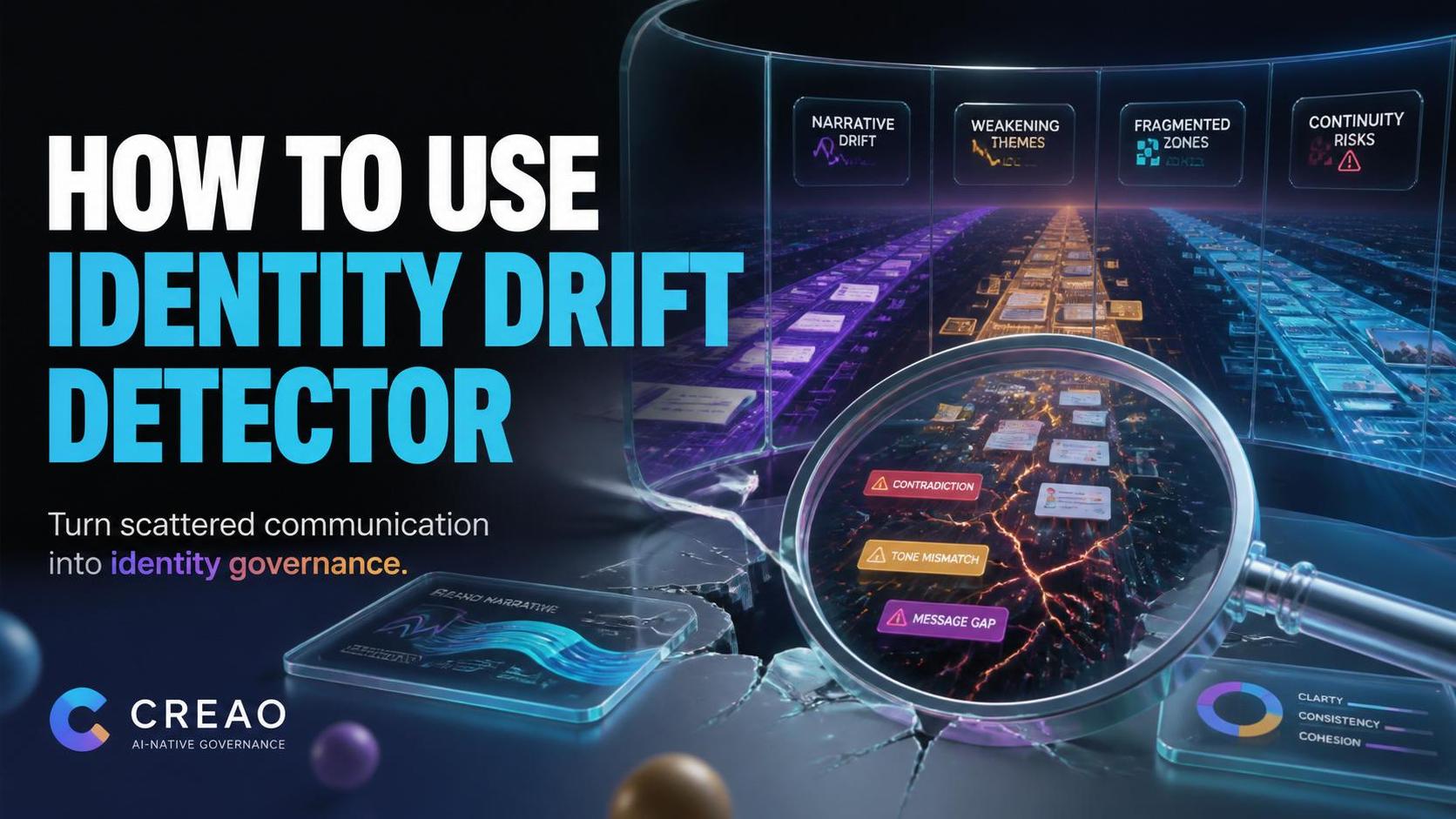
Instead of relying on intuition alone, you get a structured report with drift alerts, weakening themes, fragmented zones, identity stability scoring, narrative integrity scoring, and practical reinforcement suggestions.
In short: it helps you catch identity drift before your audience feels it.
What Is Identity Drift Detector?
Identity Drift Detector is an AI-native identity governance agent.
It is not just a writing tool. It is not just a brand voice checker. It is a diagnostic system for communication coherence.
The agent helps answer questions like:
- Is my recent content still aligned with my intended identity?
- Are my core themes getting stronger or weaker?
- Are my posts, notes, and drafts starting to contradict each other?
- Is my AI-assisted content diluting my voice?
- Which parts of my narrative need reinforcement?
- Where is my communication becoming fragmented?
- What should I adjust before the drift becomes visible?
The agent is especially useful for people and teams producing large amounts of communication across different surfaces.
That includes:
- Founders
- Creators
- Solo builders
- Consultants
- Community leads
- Content strategists
- AI-native operators
- Personal brand builders
- Teams using AI for internal and external communication
The core idea is simple:
If communication shapes trust, then coherence needs governance.
How to Access the Agent
You can access the agent here:
https://agent.creao.ai/install/035878cd-f183-4dec-a616-7b418c9af119
Once installed or opened in CREAO, the agent will ask you for a few inputs. These inputs help the agent understand your identity baseline, the communication sources it should consider, and the type of analysis you want.
Step-by-Step Guide
Step 1: Select Workspace Sources
The first field is Workspace Sources.
You can choose from sources such as:
- X
- Discord
- Google Docs
- Workspace Notes
- Blog Drafts
- Google Sheets Dashboards
This tells the agent where your communication is coming from.
If you are auditing your public identity, you might select LinkedIn, X, and Blog Drafts.
If you are auditing team or workspace identity, you might select Discord, Google Docs, Workspace Notes, and Google Sheets Dashboards.
The more representative your sources are, the better the drift analysis will be.
Step 2: Define Your Identity Context
The next field is Identity Context.
This is one of the most important inputs.
Here, you describe the identity the agent should use as the reference point.
For example:
AI-native workspace builder focused on cognition systems, agent workflows, and persistent knowledge infrastructure.
Or:
Founder building practical AI tools for creators, operators, and small teams who want to turn scattered work into repeatable systems.
Your identity context should include:
- What you are known for
- Who you serve
- Your core themes
- Your strategic positioning
- Your preferred narrative direction
- What should remain consistent over time
Do not write this as a tagline only. Give the agent enough context to understand what “aligned” actually means.
Step 3: Add Historical Content or Memory
The field Historical Content / Memory is optional, but highly recommended.
This is where you paste representative older content that reflects your strongest identity.
You can include:
- Past high-performing posts
- Brand statements
- Positioning notes
- Founder reflections
- Strategic documents
- Content pillars
- Old blog intros
- Manifesto-style writing
- Internal principles
Think of this as the agent’s memory anchor.
If the identity context tells the agent who you are, historical content shows the agent how that identity has sounded in practice.
This helps the agent compare your current outputs against a more grounded baseline.
Step 4: Paste Recent Outputs to Analyze
The field Recent Outputs to Analyze is required.
This is where you paste the communication you want checked for drift.
Examples include:
- Recent LinkedIn posts
- X threads
- Draft captions
- Blog drafts
- Discord announcements
- Google Docs excerpts
- AI-generated content
- Strategic notes
- Community updates
- Product messaging
- Internal memos
You do not need to paste everything you have ever written. Instead, paste a representative sample from the current period you want to evaluate.
If you are doing a weekly audit, paste content from the last seven days.
If you are doing a monthly audit, paste a broader sample.
If you are auditing a specific campaign, paste the relevant campaign outputs.
Step 5: Choose a Timeframe
The agent lets you choose a timeframe:
- Last 7 days
- Last 30 days
- Last 90 days
- Custom / pasted corpus
Use Last 7 days for quick weekly checks.
Use Last 30 days for monthly content review.
Use Last 90 days for deeper positioning analysis.
Use Custom / pasted corpus when you are pasting a specific collection of content manually.
The timeframe helps the agent interpret whether it is looking at a short-term variation or a longer-term pattern.
Step 6: Select Analysis Depth
You can choose from three analysis depths:
- Fast drift scan
Best for quick reviews before publishing or after a content batch. - Governance deep dive
Best for serious brand, creator, or team identity analysis. - Long-term identity audit
Best for quarterly reviews, major repositioning moments, or strategic identity work.
For most users, Governance deep dive is the best default.
It gives you enough depth without making the process too heavy.
Step 7: Choose Output Focus
The final optional field is Output Focus.
You can emphasize outputs such as:
- Identity Integrity Dashboard
- Drift Alerts
- Weakening Themes
- Reinforcement Strategy
- Long-Term Evolution Report
If you are mostly worried about inconsistency, choose Drift Alerts.
If you want to rebuild alignment, choose Reinforcement Strategy.
If you are doing a bigger review, choose Identity Integrity Dashboard and Long-Term Evolution Report.
Output Walkthrough
After running the agent, you will receive a structured identity governance report.
Here is what each major section means.
Identity Integrity Dashboard
This gives you a high-level view of your current identity coherence.
It may include metrics such as:
- Coherence score
- Identity stability score
- Narrative integrity score
- Continuity risk
Use this section as your executive summary. It tells you whether your communication is mostly aligned, moderately unstable, or at risk of fragmentation.
Drift Alerts
Drift alerts identify specific ways your current outputs may be moving away from your intended identity.
Examples:
- Your tone is becoming more generic
- Your content is shifting toward broad advice instead of specific expertise
- Your original strategic language is disappearing
- Your audience focus is becoming unclear
- Your AI-generated content is introducing inconsistent framing
This is the section to read if you want to know what needs attention now.
Weakening Themes
This section identifies themes that used to be central but are now appearing less often or with less force.
For example, if your identity is built around “AI-native workflows” but your recent posts only discuss general productivity, that core theme may be weakening.
Weakening themes matter because identity is reinforced through repetition. If important ideas disappear, your audience slowly loses the thread.
Fragmented Zones
Fragmented zones show where different parts of your communication are no longer working together.
For example:
- LinkedIn says one thing
- X emphasizes another
- Internal docs use different framing
- Blog drafts introduce a third positioning angle
This does not always mean the content is bad. It means the communication system may need alignment.
Reinforcement Suggestions
This section gives practical recommendations for restoring coherence.
It may suggest:
- Themes to bring back
- Language to reuse
- Angles to avoid
- Narrative anchors to strengthen
- Content patterns to repeat
- Messaging gaps to close
This is the most actionable section for planning your next content batch.
Recovery Pathways
If the agent detects significant drift, it may provide recovery pathways.
These are strategic steps to move your identity back toward coherence.
Examples:
- Publish a clarifying post
- Reintroduce your core thesis
- Rebuild content around 2–3 narrative pillars
- Stop using generic AI-generated language
- Create a weekly identity review habit
- Align internal docs with public positioning
Recovery pathways are useful when drift is no longer just a minor issue.
Advanced Use Cases
1. Weekly Creator Identity Audit
If you publish frequently, run the agent once per week.
Paste your recent LinkedIn posts, X threads, drafts, and notes. Use your identity context as the anchor. Then review drift alerts before planning the next week of content.
This helps you avoid becoming reactive or generic.
2. AI Content Governance
If you use AI to generate drafts, captions, emails, or strategy notes, Identity Drift Detector can help check whether those outputs still sound aligned.
This is especially useful because AI often produces polished but identity-neutral content.
The agent helps you catch when the writing is technically good but strategically wrong.
3. Founder Positioning Review
Founders often evolve quickly. Product, market, audience, and messaging can shift week by week.
Use the agent before major launches, fundraising updates, website rewrites, or public positioning changes.
It can help detect whether the new messaging strengthens or dilutes the existing narrative.
4. Team Communication Alignment
For teams, identity drift is not only public-facing. It can happen internally too.
Different team members may describe the product, mission, or strategy differently. Over time, internal language fragmentation becomes external confusion.
Use the agent to audit internal notes, docs, announcements, and public communication together.
Tips for Best Results
- Give a strong identity context
The better your baseline, the better the analysis. - Paste real content, not summaries only
The agent works best when it sees actual writing. - Include both strong historical examples and recent outputs
This helps the agent compare past coherence with present behavior. - Use Governance Deep Dive for meaningful audits
Fast scans are useful, but deeper analysis gives better strategic recommendations. - Run it regularly
Identity drift is easier to fix early than late. - Use the output to plan future content
Do not just read the diagnosis. Turn reinforcement suggestions into your next content pillars. - Watch for repeated drift signals
One signal may be noise. Repeated signals reveal a pattern.
Conclusion
Identity is not just what you say once.
It is what your communication repeatedly reinforces over time.
As creators, founders, and teams produce more content with AI, the risk of identity drift increases. More output means more surface area for inconsistency, fragmentation, and dilution.
Identity Drift Detector helps solve that by turning identity coherence into something you can audit, measure, and improve.
It gives you a structured way to detect drift, identify weakening themes, understand fragmented zones, and rebuild narrative integrity before the audience feels the disconnect.
Use it when your content starts feeling scattered.
Use it before publishing major campaigns.
Use it as a weekly governance habit.
Use it when your identity matters enough to protect.
Try Identity Drift Detector here:
https://agent.creao.ai/install/035878cd-f183-4dec-a616-7b418c9af119