
Introduction: Why AI Is Making Everyone Sound the Same
There’s a quiet crisis happening in content creation right now.
As AI writing tools have become ubiquitous, a strange homogenization is taking place. Posts sound similar. Hooks follow the same templates. Sentence structures converge. The emotional register flattens into a competent, inoffensive, utterly forgettable middle ground.
This isn’t AI’s fault. It’s a feature, not a bug — AI language models are trained to produce statistically likely output. And statistically likely = average. When millions of people use the same tools with similar prompts, the outputs converge toward the same voice.
The result? Your content, your competitor’s content, and a thousand others start blurring together in the feed. Readers scroll past. Engagement drops. Growth stalls. And you can’t figure out why, because the writing is technically good.
The problem isn’t quality. It’s identity.
Your most magnetic content — the posts that got unexpectedly viral, the articles that made strangers DM you, the threads that got shared by people you’ve never met — they had something the average AI output doesn’t: they sounded unmistakably like you. They carried your specific intellectual quirks, your sentence rhythms, your vocabulary, your emotional frequency.
Brand Voice Memory Agent exists to capture exactly that — and make it reproducible.
What Is Brand Voice Memory Agent?
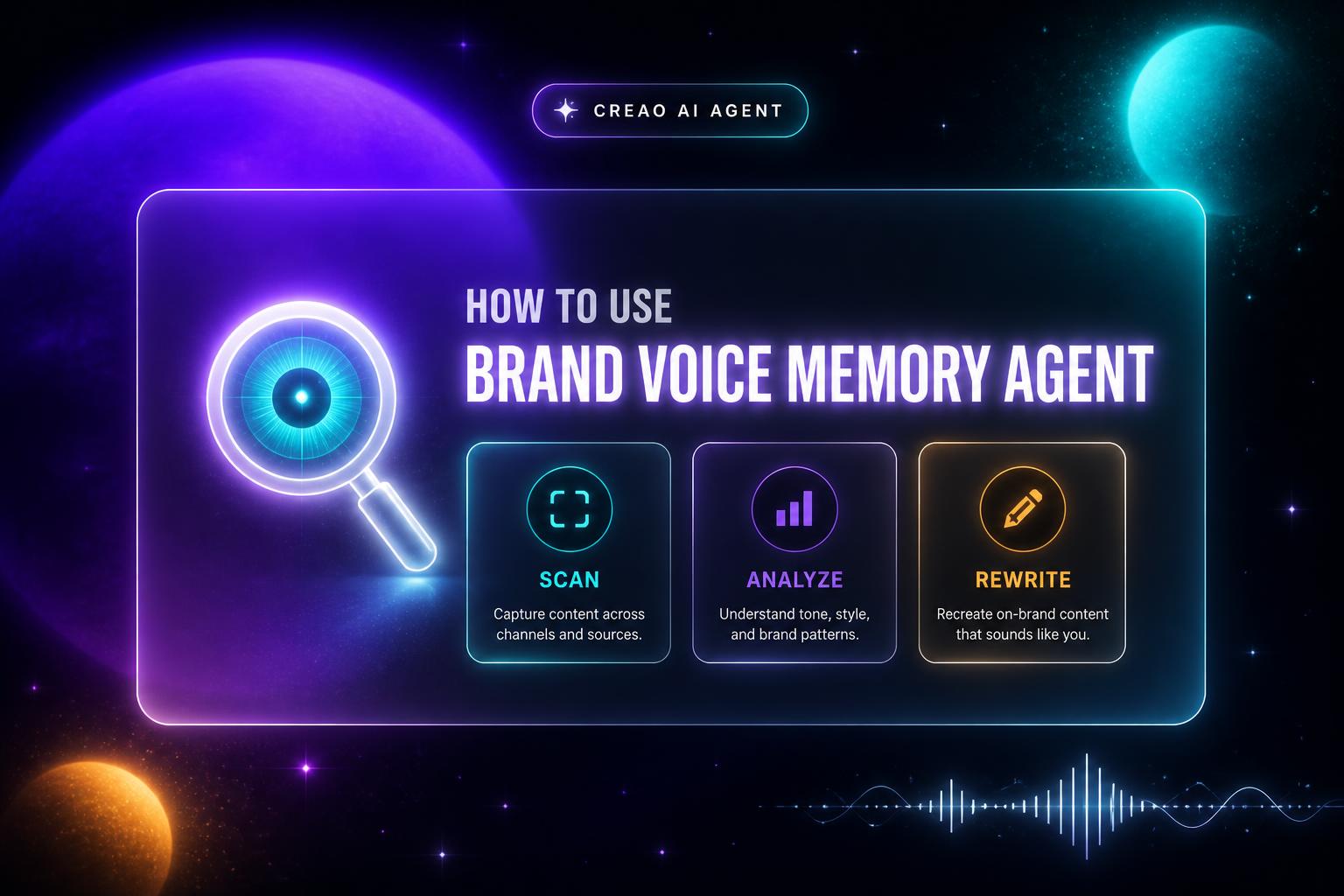
Brand Voice Memory Agent is a CREAO AI agent that analyzes your historical content across platforms to build a persistent, structured Brand Voice Memory profile. It doesn’t ask you to describe your tone. It doesn’t rely on you filling out a style guide. Instead, it reads your actual content — X/Twitter posts, LinkedIn articles, Notion archives, Google Docs — and extracts the patterns that make your voice uniquely yours.
The output is a 4-layer identity profile:
1. Tone Fingerprint — your emotional register, communication style, and how readers experience you 2. Top Vocabulary — the specific words, phrases, and expressions you naturally reach for 3. Narrative Arc — how your ideas evolve and build across pieces over time 4. Platform Behavior — how your voice adapts (or doesn’t) across different platforms
Beyond analysis, the agent can take any draft you write and rewrite it in your authentic voice — using your actual identity patterns rather than generic AI stylistic defaults.
How to Access Brand Voice Memory Agent
- Visit: https://agent.creao.ai/apps/1e949467-acbe-4d15-b5a8-5406eb7c5469
- You’ll see the agent form with several input fields
- Fill in your content sources and optional draft content
- Select your analysis depth
- Run the agent
Step-by-Step Guide
Field 1: X / Twitter Handle (Required)
Enter your X handle (e.g., @yourname). The agent will scan your recent posts and replies to detect your real-time conversational patterns — including how you open threads, how you close arguments, and what vocabulary you default to under 280 characters.
Tip: Make sure your X account is public for best results.
Field 2: LinkedIn Profile URL (Optional but Recommended)
Paste your full LinkedIn profile URL. This enables cross-platform voice comparison — the agent can detect how your professional voice on LinkedIn differs from your conversational voice on X, and build separate behavior maps for each.
Field 3: Notion Page URL (Optional)
If you have writing archives, newsletters, or blog drafts in Notion, paste the page URL. Long-form content in Notion gives the agent access to your deeper narrative patterns — the ones that only show up in extended writing.
Field 4: Google Doc URL (Optional)
Long-form essays, reports, or extended writing samples from Google Docs. These are particularly valuable for detecting Narrative Arc — how you build arguments, transition between ideas, and structure conclusions.
Field 5: Content to Rewrite (Optional)
Paste any draft you want rewritten in your authentic voice. This can be AI-generated content, a rough draft, or a piece written by someone else. The agent will run it through your full brand voice profile and output a rewritten version.
Field 6: Analysis Depth (Required)
Choose from three modes:
- Quick Scan — Style and Vocabulary only. Fastest option, great for regular use
- Full Memory Build — All 4 layers (Tone, Vocabulary, Narrative, Platform). Recommended for first-time users
- Narrative Evolution Focus — Deep analysis of how your storytelling patterns evolve. Best for writers and long-form creators
Output Walkthrough
Tone Fingerprint
A structured map of your emotional register — direct vs. warm, analytical vs. intuitive, confident vs. exploratory. This is extracted from linguistic pattern analysis of your actual content, not self-reported.
How to use it: Paste this into any AI writing prompt as your style instruction layer. It’s far more effective than “write conversationally.”
Top Vocabulary
A list of the exact words, phrases, and sentence starters that appear consistently in your content — your intellectual fingerprint in lexical form.
How to use it: When AI-generated content sounds generic, check it against your Top Vocabulary list. Missing your key phrases? The agent can rewrite with them restored.
Narrative Arc
A map of how your ideas develop across pieces — do you build toward a thesis or start with one? Do you use anecdote → insight or insight → proof?
How to use it: Use this to structure new pieces. Instead of following generic frameworks, follow your actual demonstrated structure patterns.
Platform Behavior
How your voice shifts between X and LinkedIn (and Notion/Docs if provided). Differences in sentence length, formality, hook style, and emotional range across platforms.
How to use it: When repurposing content, use the platform behavior maps to adapt correctly — so LinkedIn-you sounds like LinkedIn-you, not like X-you with longer paragraphs.
Voice Coherence Score
A numerical score measuring how aligned your content is with your overall identity profile. Higher = more “you.” Lower = more generic.
How to use it: Set a personal baseline. Track it over time. When coherence drops, it’s a signal you’ve been over-relying on unmodified AI output.
Advanced Use Cases
1. Onboarding a Ghostwriter or VA Export your full brand voice memory profile and share it as a briefing document. A ghostwriter with your tone fingerprint, vocabulary list, and platform behavior maps can produce on-brand content immediately — no lengthy style guide needed.
2. Brand Voice Audit After an AI Drift Period If you’ve been posting heavily AI-assisted content for 3+ months, run the Full Memory Build now vs. 6 months ago. Compare Voice Coherence Scores. Identify which patterns have eroded and use the rewrite function to restore them.
3. Repurposing Content Across Platforms Write once in your strongest format (e.g. a LinkedIn article). Paste it into the Content to Rewrite field and specify X Thread format. The agent rewrites not just the format but adapts the platform behavior — so the X version sounds like X-you, not LinkedIn-you compressed into tweets.
4. Content Calendar Pre-Screening Before publishing, paste each planned post into the rewrite field and check the Voice Coherence Score. Anything scoring below your personal baseline gets flagged for revision or rewrite before it goes live.
Tips for Best Results
- Include as many content sources as possible. More input = more accurate voice mapping. The agent needs volume to detect true patterns vs. one-off stylistic choices.
- Use Full Memory Build for your first run. Quick Scan is for maintenance; Full Memory Build is where the deep profile gets established.
- Run quarterly refreshes. Your voice evolves. Updating your memory profile every quarter keeps the agent’s output aligned with who you are now, not 18 months ago.
- Use the rewrite function on AI drafts specifically. The highest-leverage use case: let any AI write a functional draft, then run it through Brand Voice Memory Agent to make it actually sound like you.
- Share your Voice Coherence Score. It’s a great hook for content and creates a comparison anchor for your audience.
Conclusion
Brand Voice Memory Agent doesn’t make AI sound more human. It makes AI sound more like you — which is the only version of “more human” that matters for your content strategy.
Your voice is your only sustainable competitive advantage in an AI-saturated content landscape. Every creator has access to the same tools. The ones who win are the ones whose content is unmistakably theirs.
Start building your Brand Voice Memory today: 🔗 https://agent.creao.ai/apps/1e949467-acbe-4d15-b5a8-5406eb7c5469
Run the Full Memory Build. Check your Voice Coherence Score. Then paste your last 3 AI-assisted posts into the rewrite function and see the difference.
Your voice is already there. This agent just helps you remember it.